ArchiMate Elements
Textual annotations are created using the annotation element in Archi. Visual annotations are achieved using the specialized Phase element, along with the business objects Status: New and Status: Started. In the model, these are associated with the Phase element.
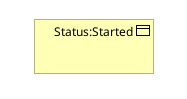
In the view, you can adjust the object’s display as follows:
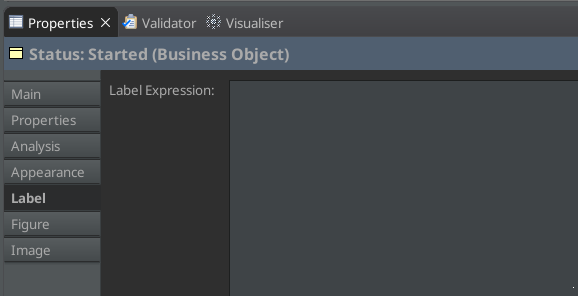
- Change the label to a single space (this suppresses the object’s name):
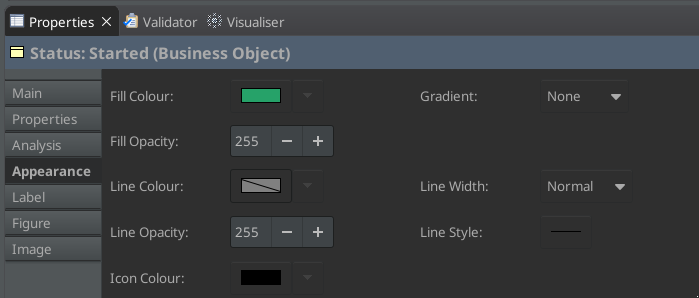
- Change the background color:
- Change the displayed figure:
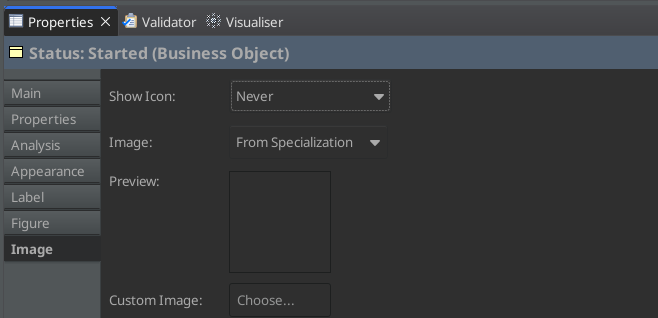
- The element will now appear as follows:

You can resize it to a small square, as shown in the previous article, and drag it onto the Phase element. Select “None” for the proposed link (as you already have the association), and you’re all set.